Calendar
What's next, at a glance.
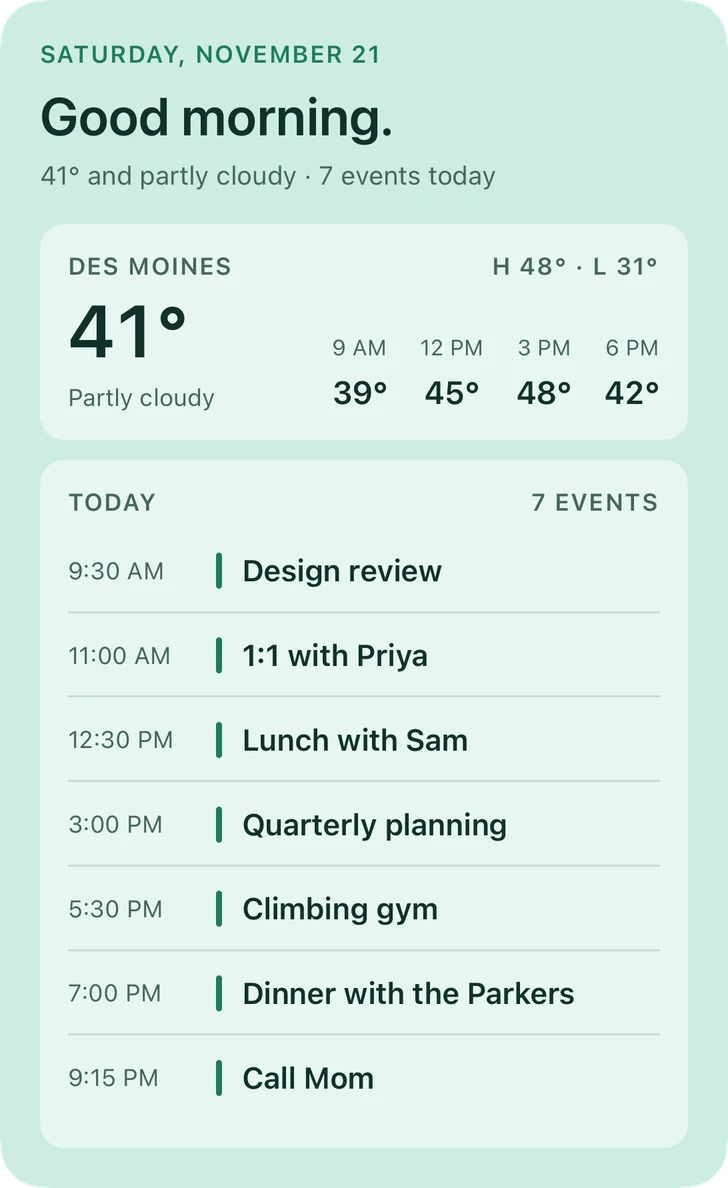
Your day from the calendars already on your iPhone: a timed agenda, your next event at poster scale, or the whole month with today's plans.
Coming soon to theApp Store
Requires iOS 26.6 or later.
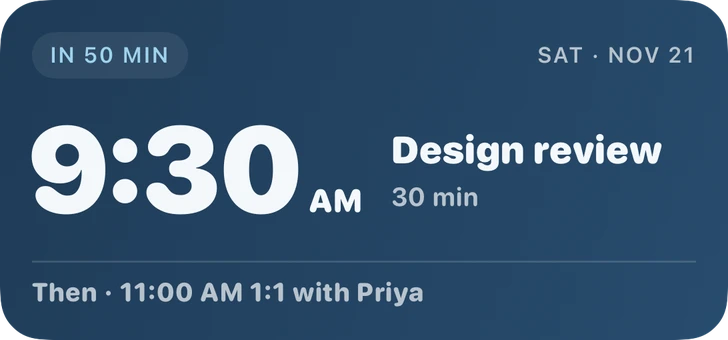
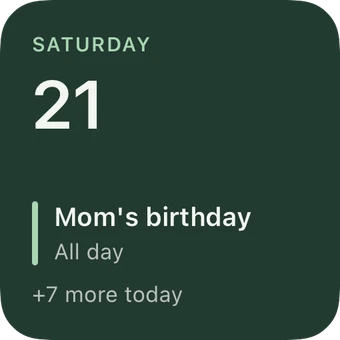
4 styles, one widget.
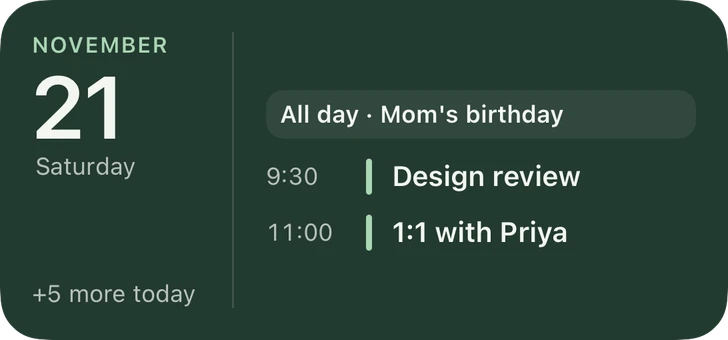
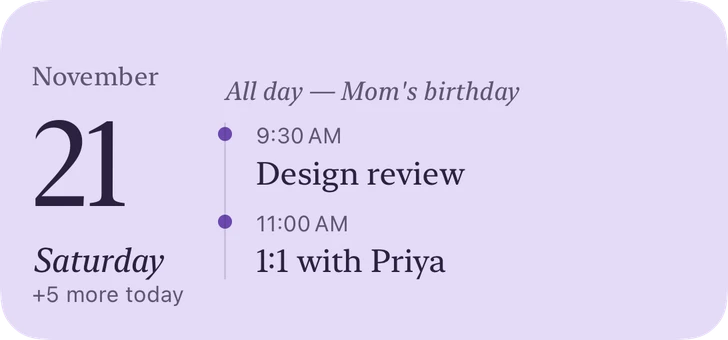
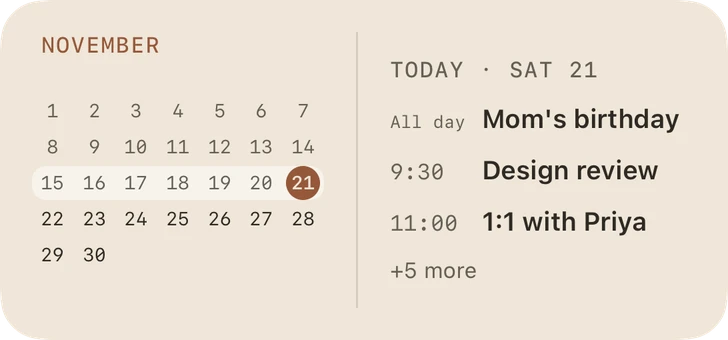
Every size, its own layout.
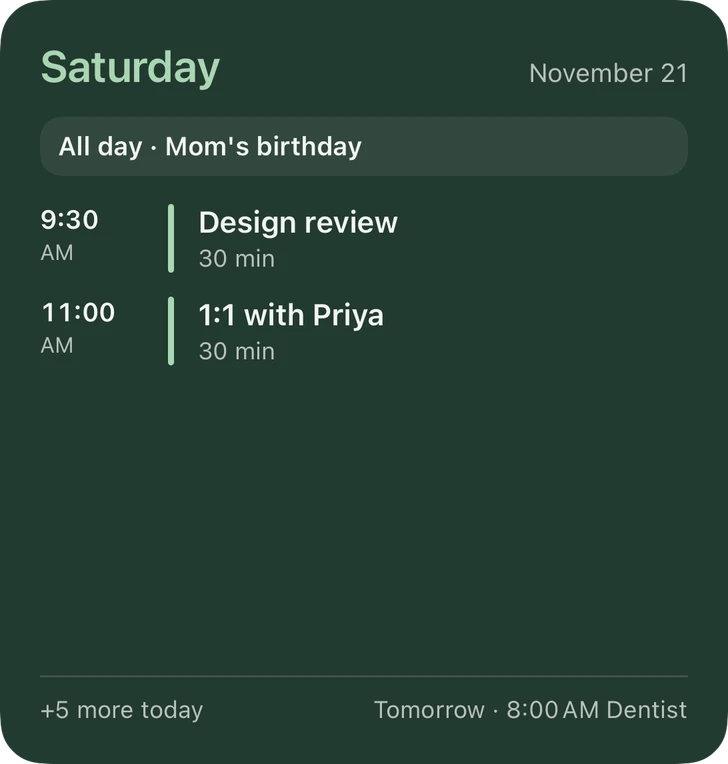
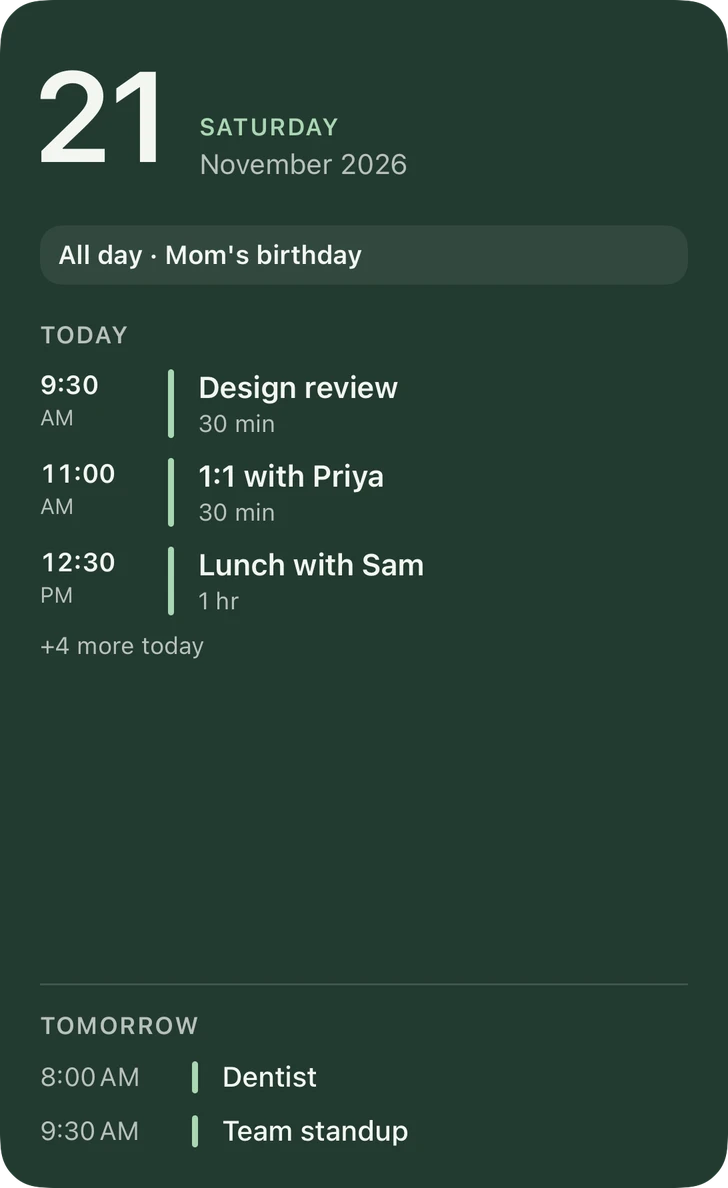
Your colors.
Every style above comes in twelve palettes, or your own colors. Save the ones you love and use them on any widget.
Good to know
Which calendars does it use?
The ones on your iPhone's Calendar app, including iCloud, Google and Outlook accounts you've added there. Choose all of them or just a few.
Does glanceful see my events?
Only on your iPhone, to draw the widget. Nothing is sent anywhere, and nothing is asked for until you set up a Calendar widget.
Something else?
See Support or email [email protected].
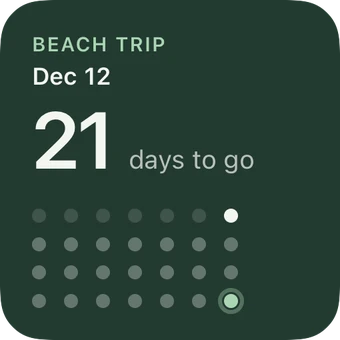
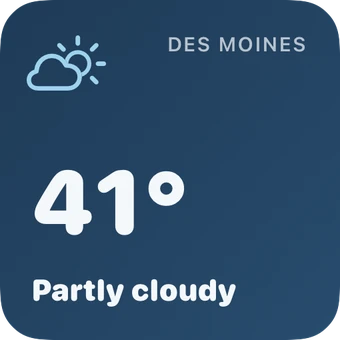
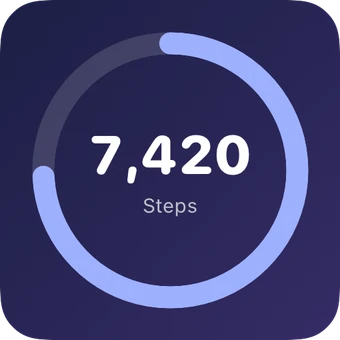
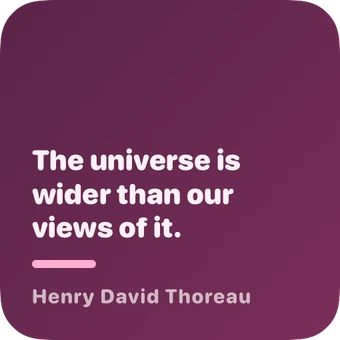
Make your Home Screen yours.
Free for up to 3 widgets. One purchase unlocks everything.