Daily Overview
Your whole day, one widget.
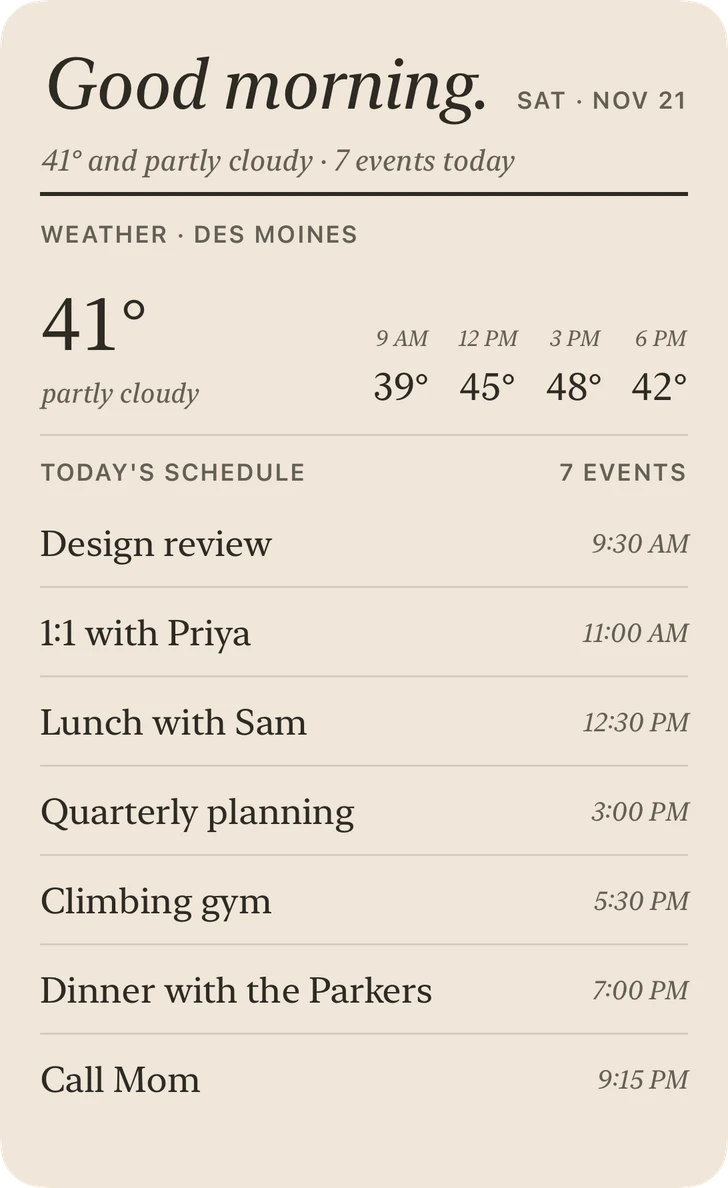
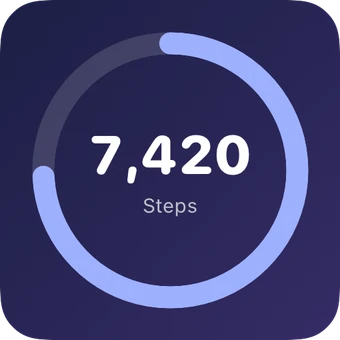
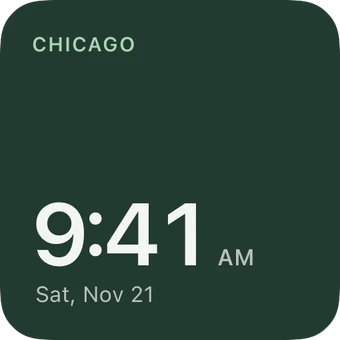
Your whole day in one Extra Large widget: a greeting, the weather, what’s coming up, your steps and a little something to think about. On iPhone Duo it sits right beside your apps. On any iPhone with iOS 27, it lives just to the left of your Home Screen.
Requires iOS 26.6 or later.
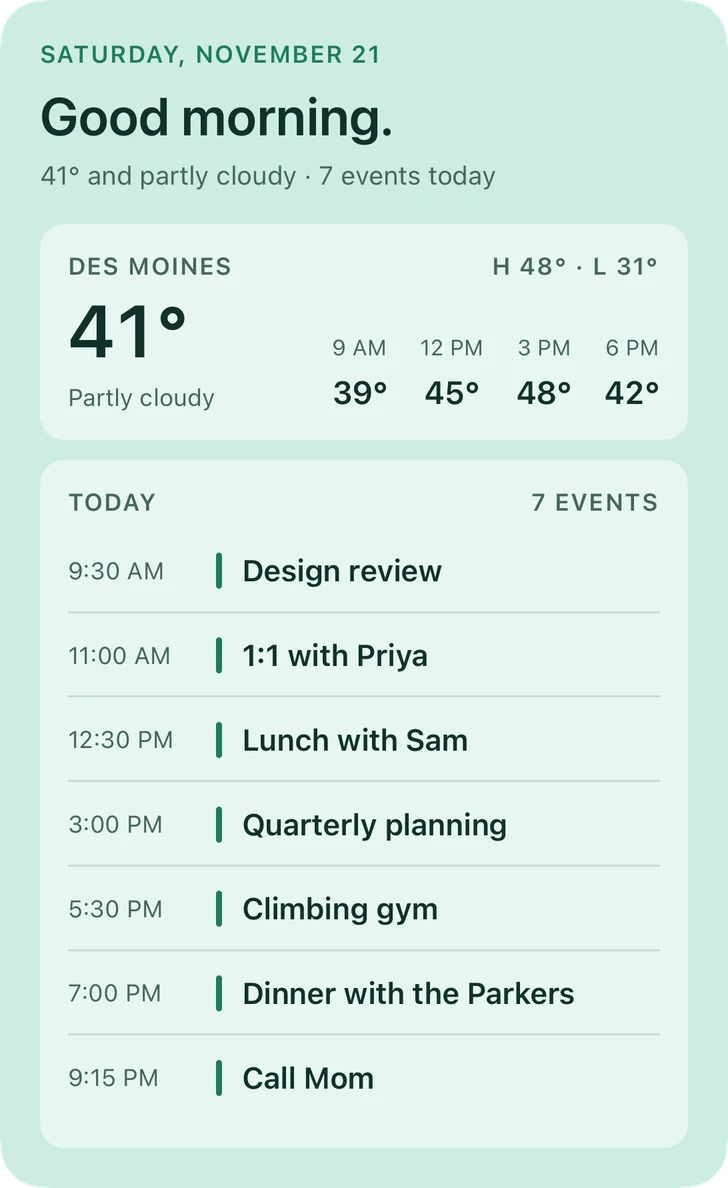
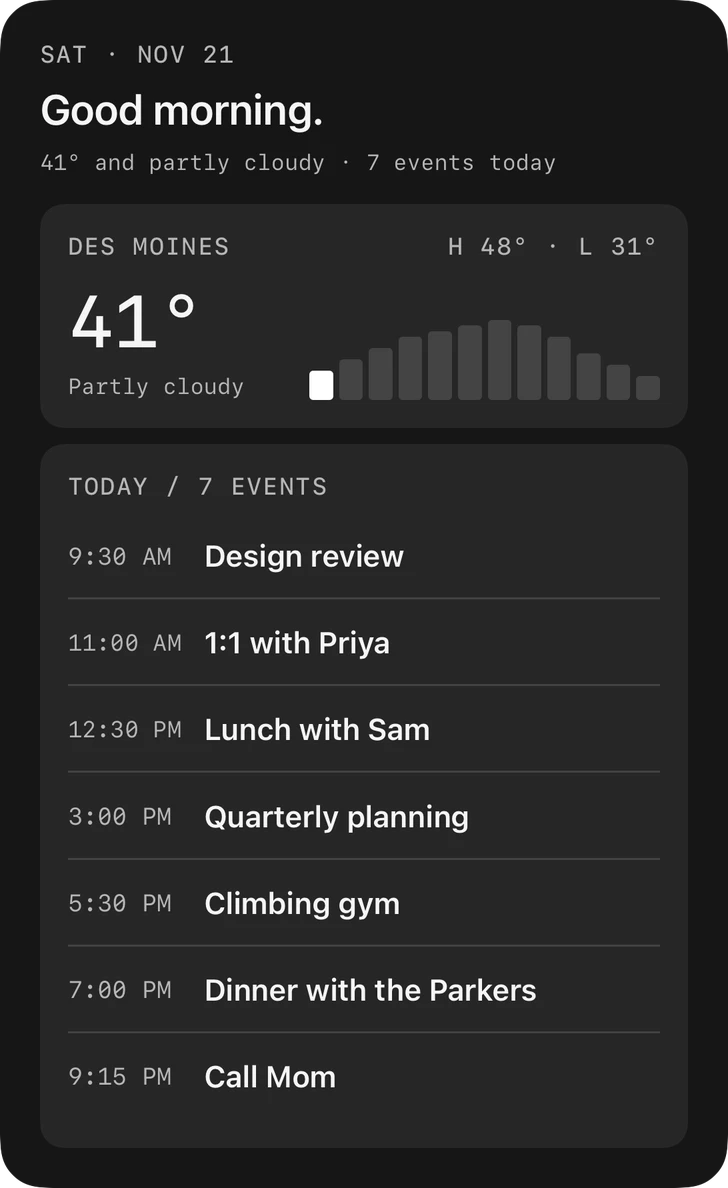
3 styles, one widget.
Your day, on the left.
On iPhone Duo, Daily Overview sits in its own column beside your apps, always in view with no swipe needed. Any iPhone with iOS 27 keeps it one swipe away, just to the left of your Home Screen.
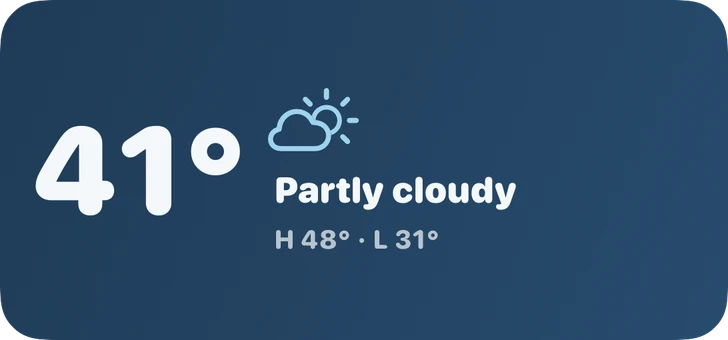
Your colors.
Every style above comes in twelve palettes, or your own colors. Save the ones you love and use them on any widget.
Good to know
Where does it go?
On iPhone Duo, right beside your apps on the big inner screen, no swipe needed. On any iPhone with iOS 27, add it to the page just to the left of your Home Screen, so your day is one swipe away.
Which iPhones support it?
Daily Overview is Extra Large, which iPhone supports from iOS 27. On earlier versions it stays hidden in the app.
Is it included for free?
Daily Overview is part of the one-time unlock. You can build one and see it with your own day before you decide.
Can I choose what it shows?
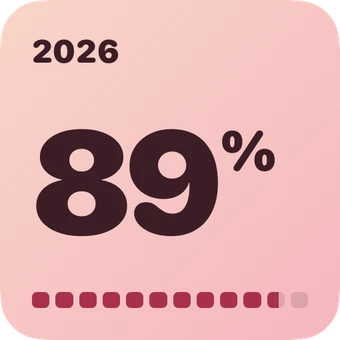
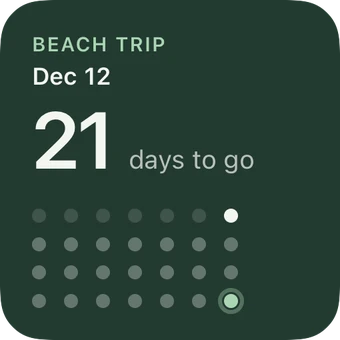
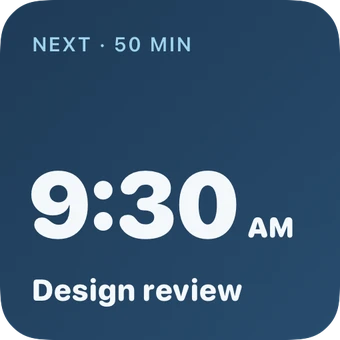
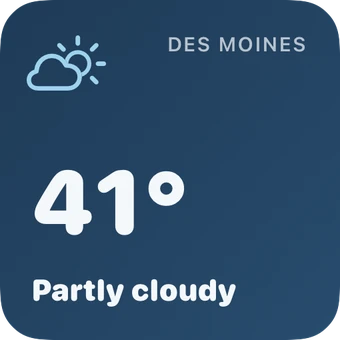
Yes. Pick from Weather, Calendar (today or the week ahead), Daily Steps, Daily Quote, Word of the Day, a Countdown and Year Progress, and add your name to the greeting if you like. Sections resize to fit.
Where does its information come from?
The same places as the single widgets: Apple Weather, your Calendar and Apple Health, each only once you allow it.
Something else?
See Support or email [email protected].


Make your Home Screen yours.
Free for up to 3 widgets. One purchase unlocks everything.